How to: Add a question to the survey
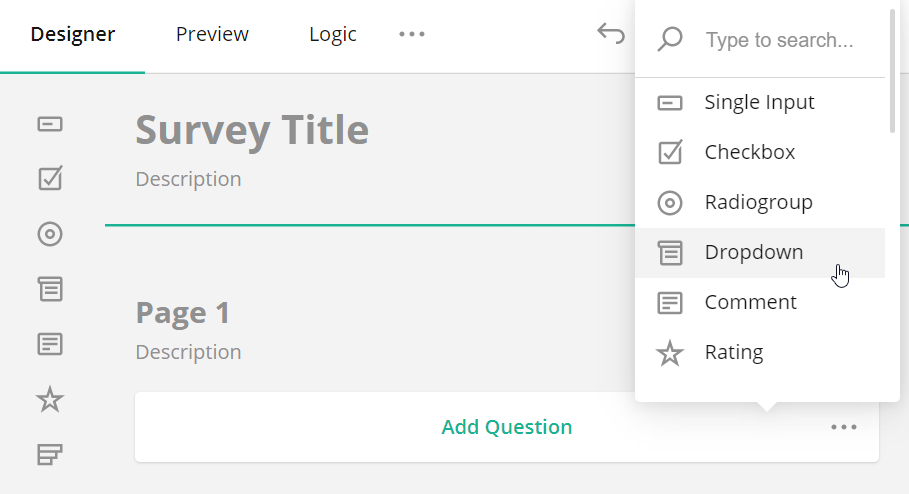
Drag and drop the desired question type from the Toolbox onto the design surface. Alternatively, you can click the Add Question button to add a Single-Line Input question. This button also displays an ellipsis icon that allows you to change the type of inserted questions.
Was this article helpful?
That’s Great!
Thank you for your feedback
Sorry! We couldn't be helpful
Thank you for your feedback
Feedback sent
We appreciate your effort and will try to fix the article