Preview Tab
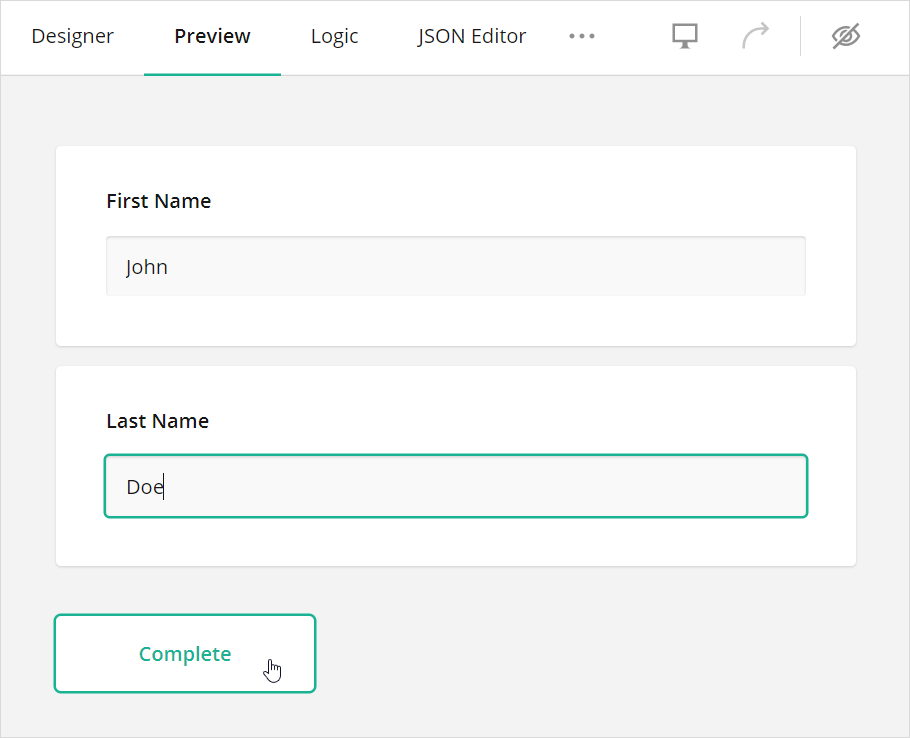
The Preview tab allows you to view and take the survey as a respondent.
How to: Re-run the preview
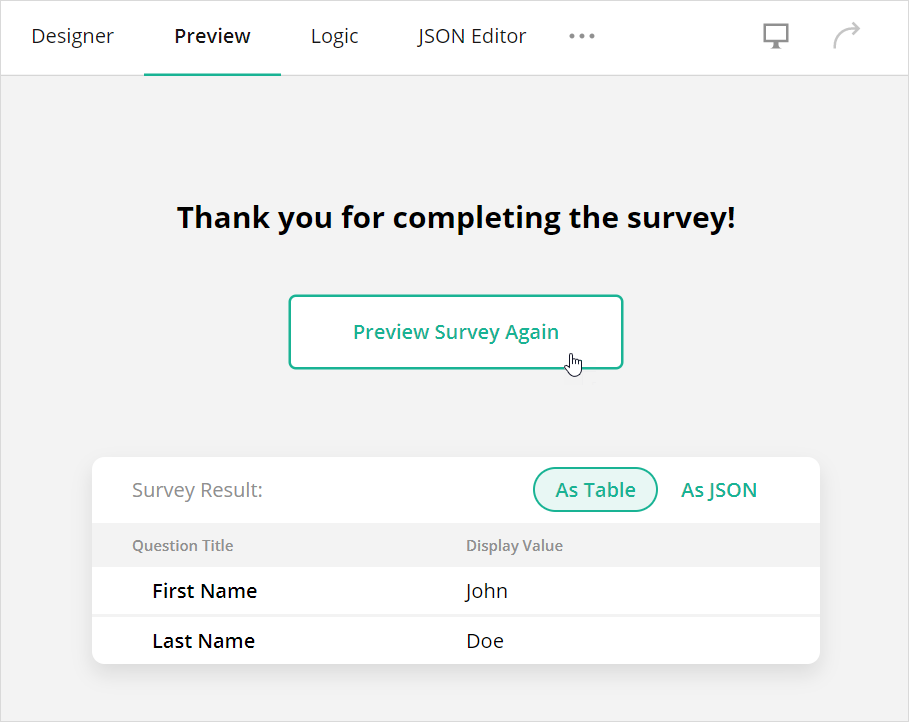
After you complete the survey, you can see the survey results in the table or JSON format. Click the Preview Survey Again button above the results to preview the survey again:
How to: Preview the survey on different devices
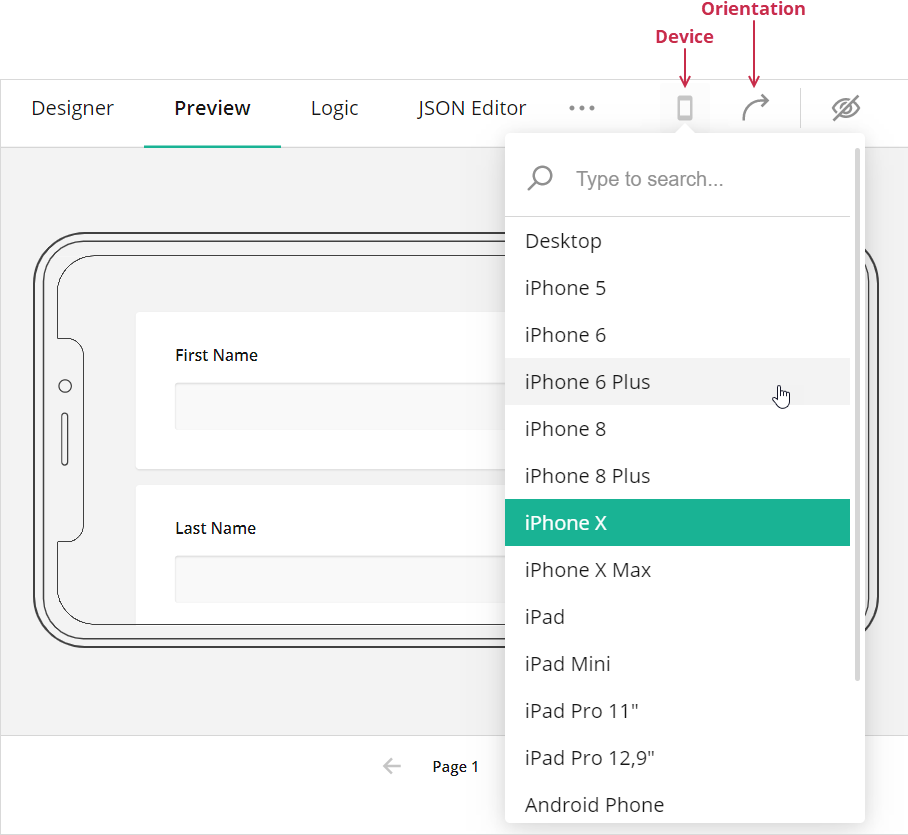
Click the Device icon and select the desired device from the drop-down menu. You can also click the Orientation icon to switch between the landscape and portrait orientations:
Was this article helpful?
That’s Great!
Thank you for your feedback
Sorry! We couldn't be helpful
Thank you for your feedback
Feedback sent
We appreciate your effort and will try to fix the article