Click the icon on the right hand side of the Designer to upload an logo.
We recommend keeping the icon size small, less than 100kb.
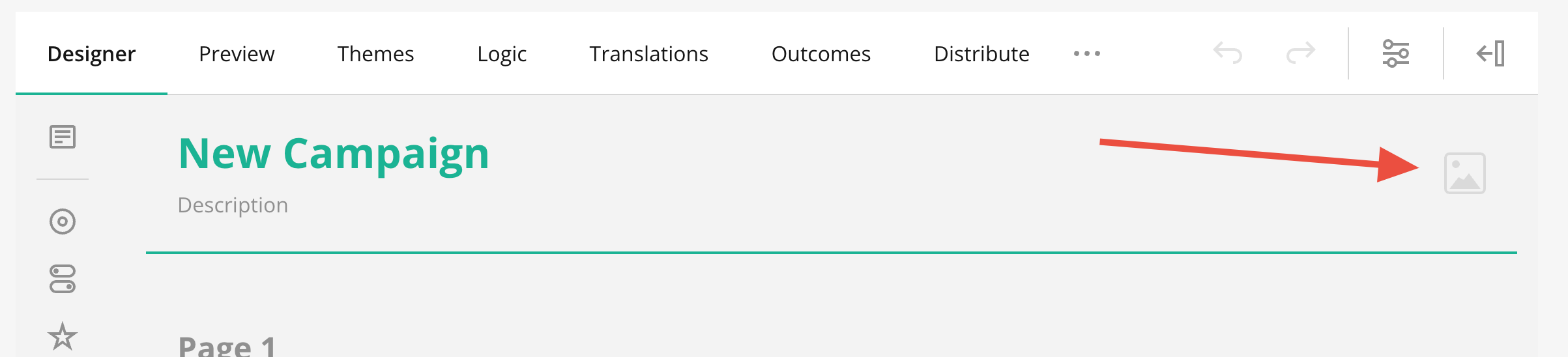
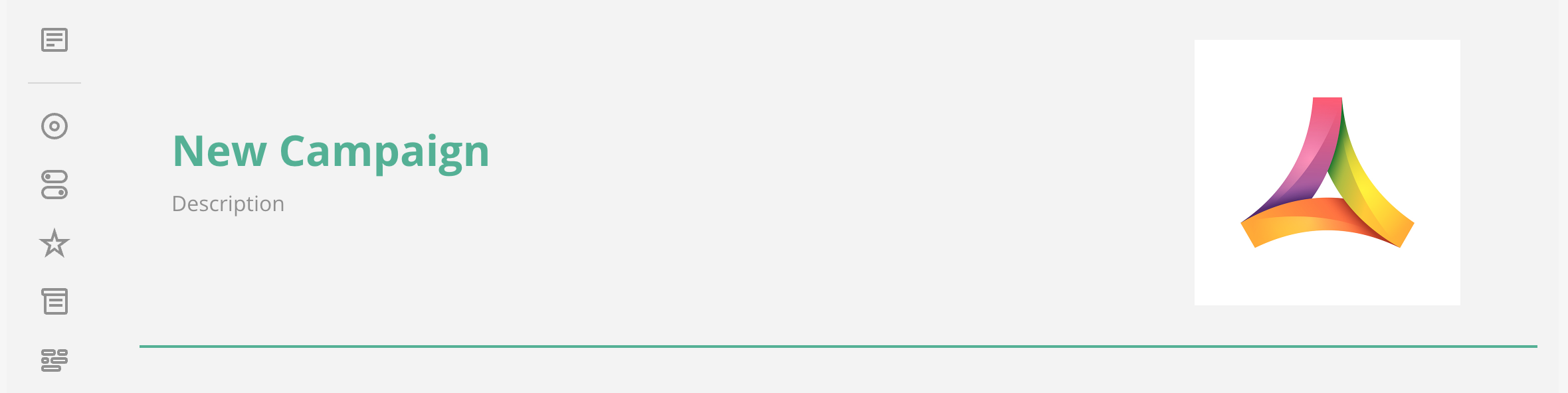
When uploaded you can press Save Edits to save the logo.
- Paste a link to the image in the input field or click the Folder icon next to the property to upload a file.
- Optionally, resize the logo by entering the desired dimensions in CSS units (px, %, in, pt, etc.) in the Logo width and Logo height input fields.
- Select the Logo fitoption:
- None - Image maintains its original size.
- Contain - Image is resized to fit while maintaining its aspect ratio.
- Cover - Image fills the entire box while maintaining its aspect ratio.
- Fill - Image is stretched to fill the box without maintaining its aspect ratio.
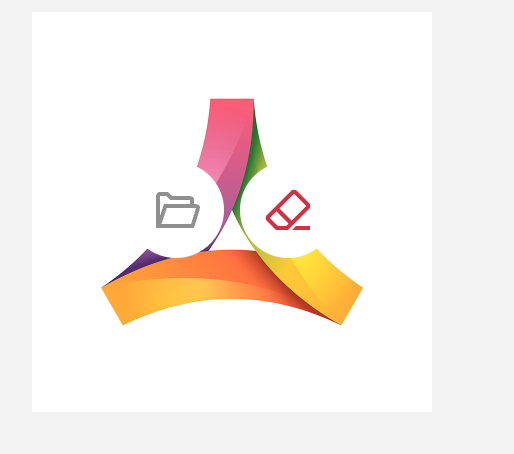
If you want clear or upload another image, hove over the current icon. Click the folder to upload an new image, click the eraser to remove the existing one.
Was this article helpful?
That’s Great!
Thank you for your feedback
Sorry! We couldn't be helpful
Thank you for your feedback
Feedback sent
We appreciate your effort and will try to fix the article