Single-Select Matrix
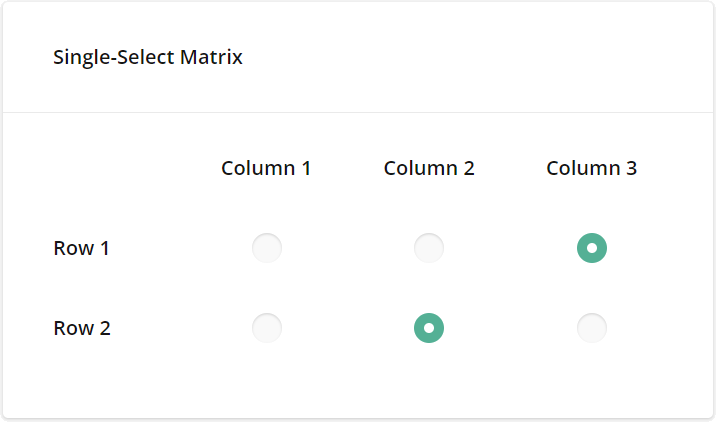
The Single-Select Matrix type displays radio buttons in rows and columns. Respondents can select only one radio button in each row.
How to: Add new rows
Expand the Rows category and click Add New: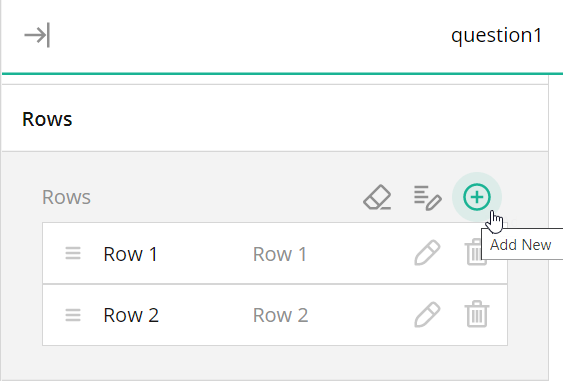
How to: Randomize rows
Expand the Rows category, find the Row order editor, and switch it to Random: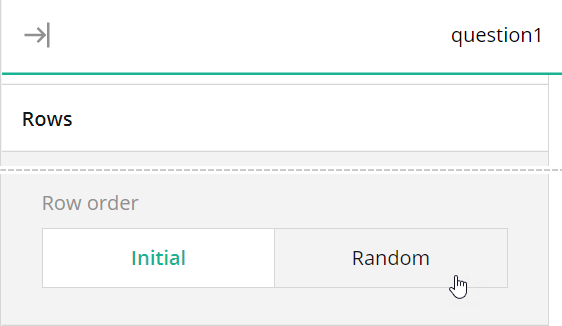
See also:
- Multi-Select Matrix
- Dynamic Matrix
Was this article helpful?
That’s Great!
Thank you for your feedback
Sorry! We couldn't be helpful
Thank you for your feedback
Feedback sent
We appreciate your effort and will try to fix the article