Rating Scale
Respondents select one number within a range. Use the Rating Scale type when you want respondents to enter a rating.
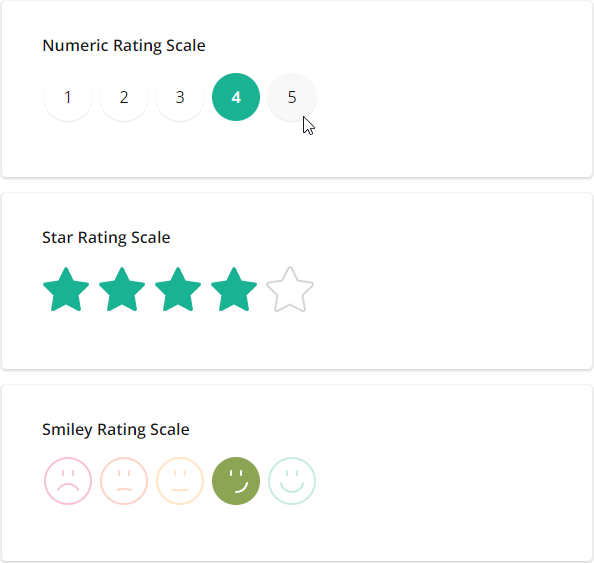
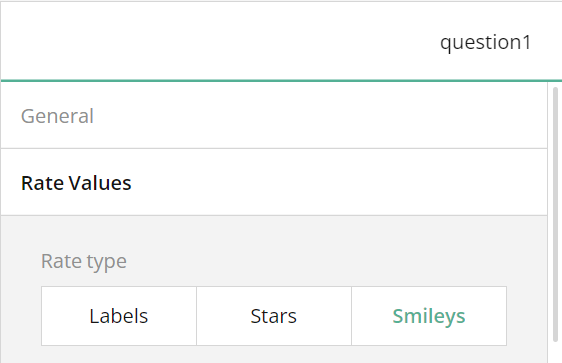
- Expand the Rate Values category and select a required Rate type:
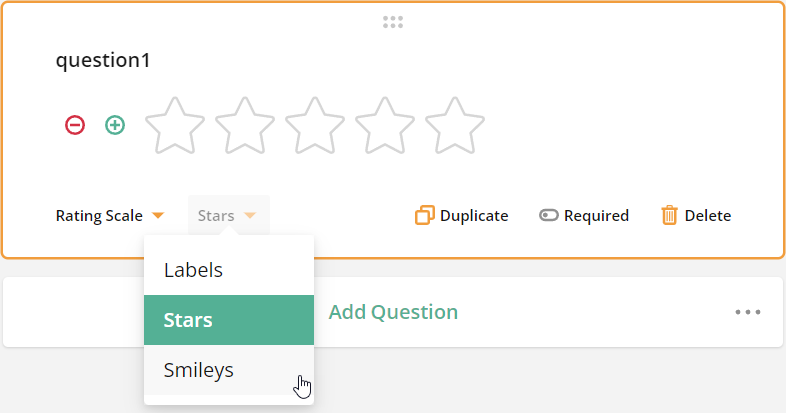
- Alternatively, you can change the rate type using an adorner directly on the design surface:
It is worth noting stars and smileys can be customized up to 10.
Smileys can be coloured or monochrome background.
Click the settings icon to open the settings for Rating
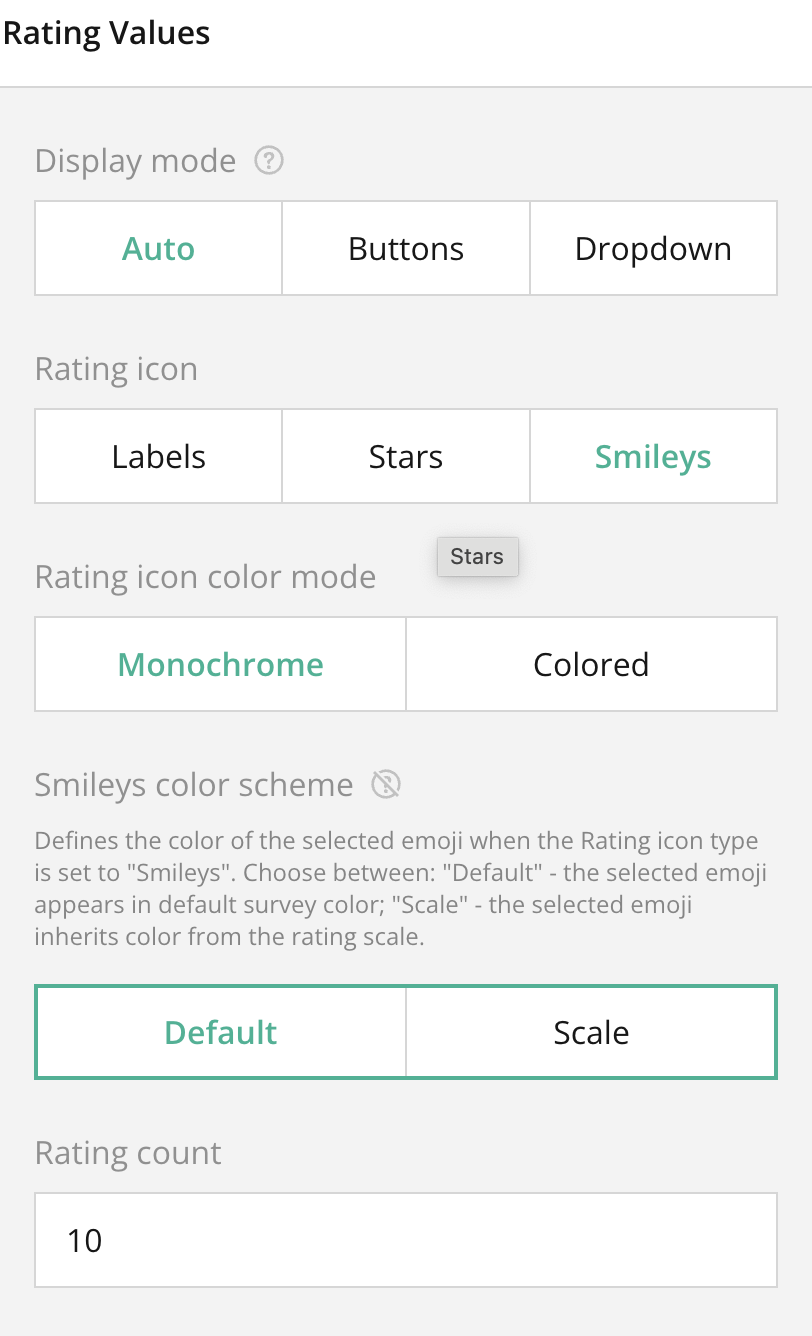
Coloured emoji icons (10max).

Monochrome emoji icons (10 max) Default.

Was this article helpful?
That’s Great!
Thank you for your feedback
Sorry! We couldn't be helpful
Thank you for your feedback
Feedback sent
We appreciate your effort and will try to fix the article