Translation Tab
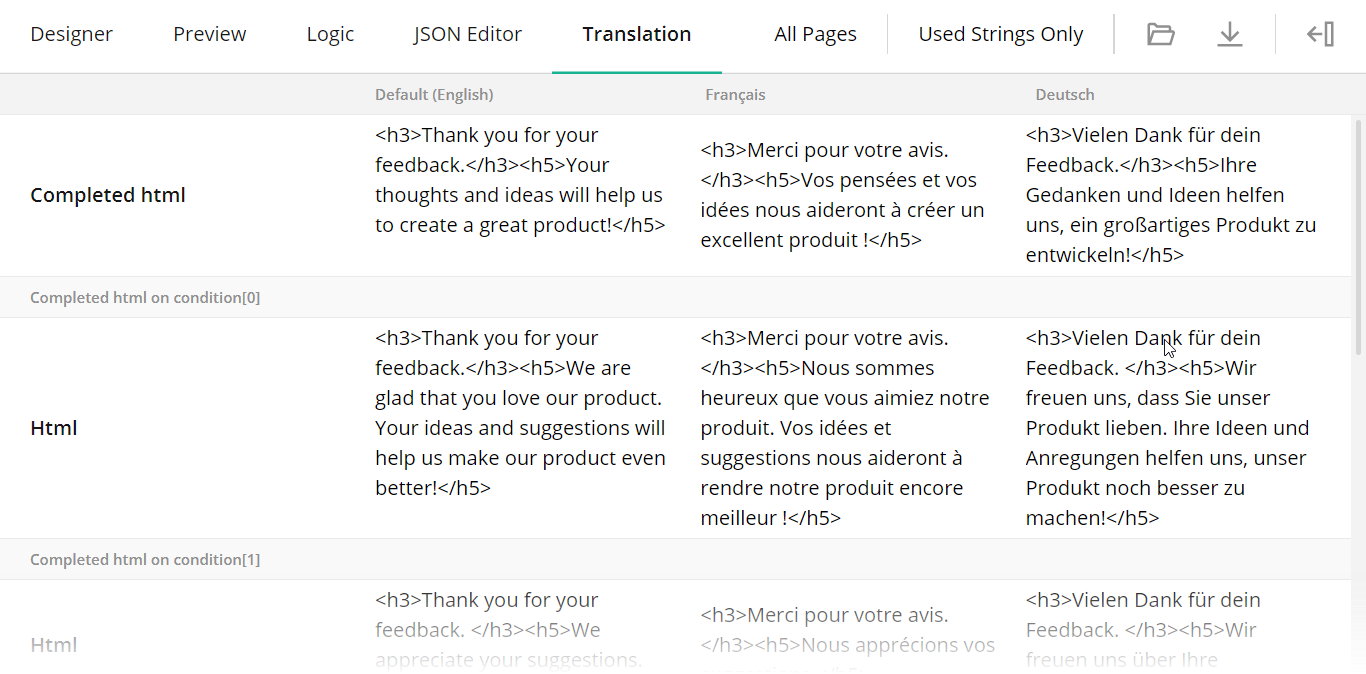
The Translation tab displays survey strings and allows you to translate them into different languages.
How to: Add another language
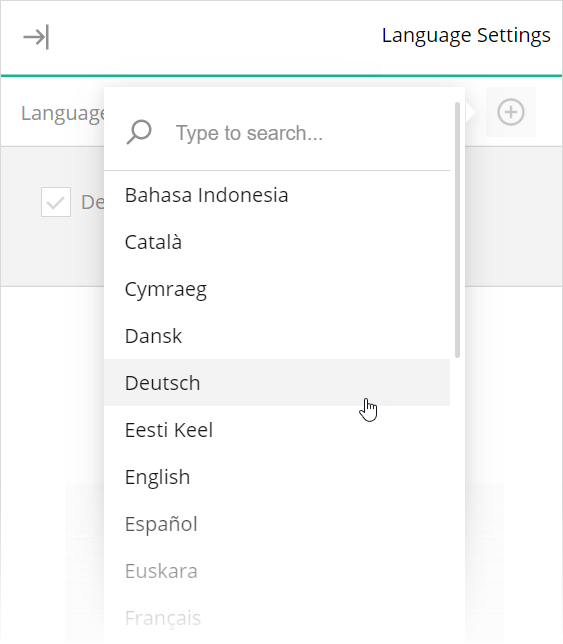
In the Language Settings sidebar, click the Add icon and select the desired language from the pop-up menu:
How to: Filter translation strings
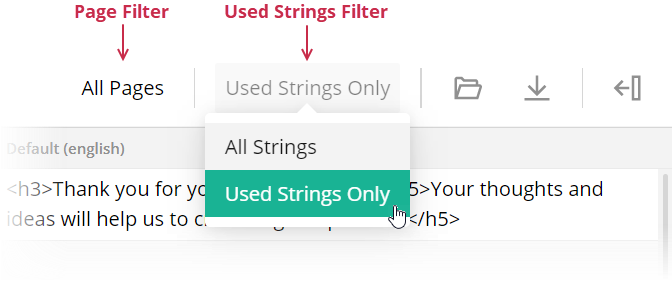
Use the Page Filter to filter strings by a specific page. You can also use the Used Strings Filter to view only the strings that were changed:
How to: Import or export translation strings to CSV
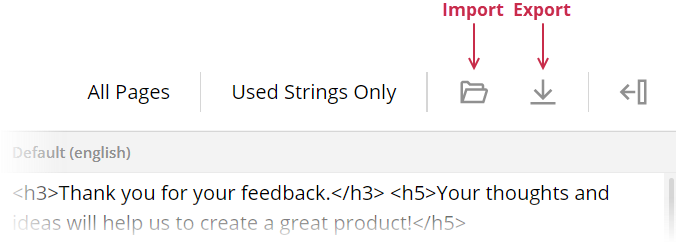
Click the Import to CSV or Export to CSV button on the Toolbar:
Was this article helpful?
That’s Great!
Thank you for your feedback
Sorry! We couldn't be helpful
Thank you for your feedback
Feedback sent
We appreciate your effort and will try to fix the article