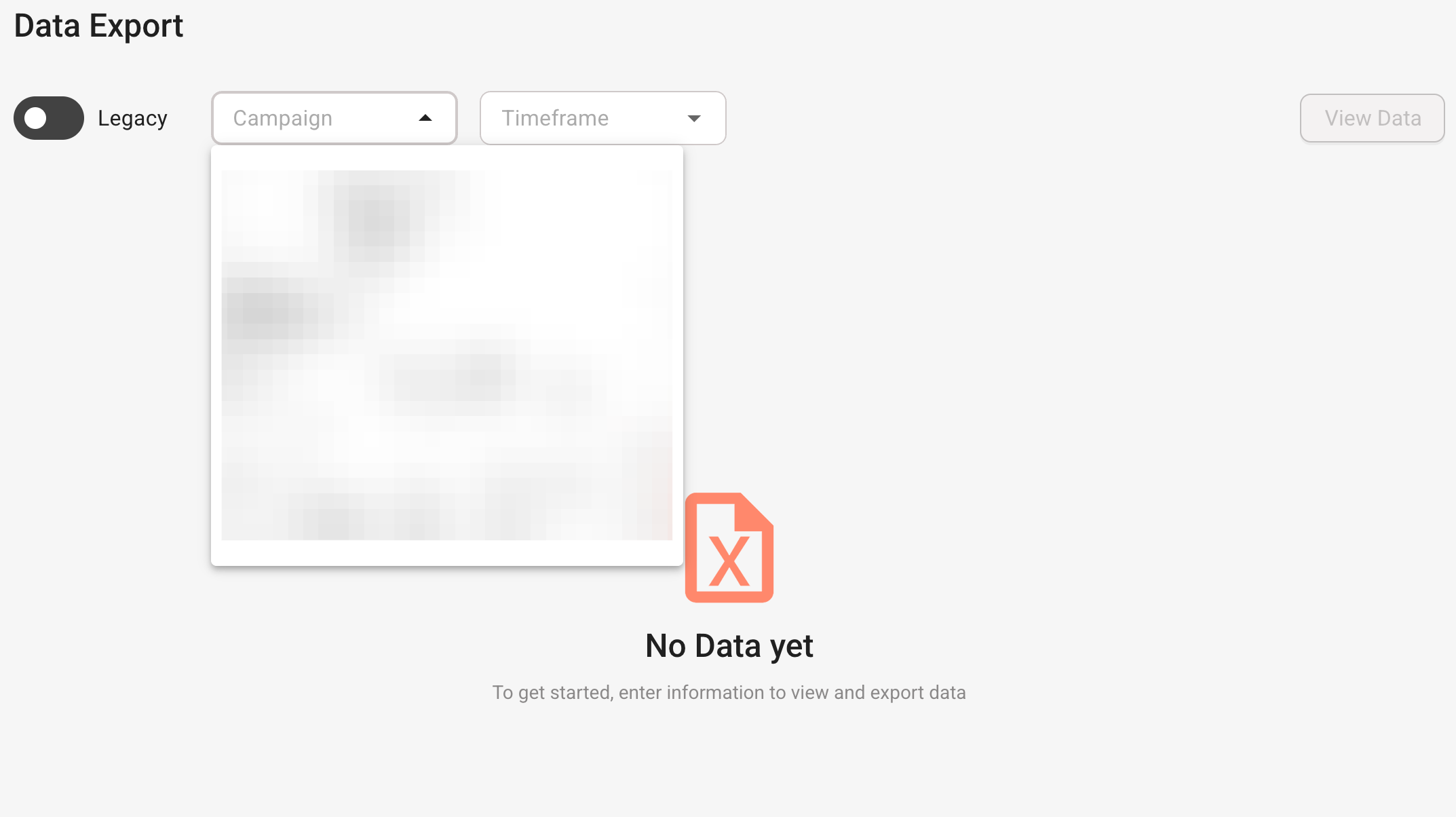
Select the campaign and select a time frame
Click View Data.
You can then browse response data via the table explorer.
You can
- Apply a filter
- Show/hide columns
- Download a CSV file of the responses
- Download a CSV file of the responses and CCV content
Was this article helpful?
That’s Great!
Thank you for your feedback
Sorry! We couldn't be helpful
Thank you for your feedback
Feedback sent
We appreciate your effort and will try to fix the article