Most Custom Contact Variable types are strings but if a Column in a CSV is a specific form (Integer, float, date etc.) or it has multiple elements in the cell e.g. Column header is measure and has an array of measures which can be represented by Measure1|Measure2|Measure3
you can set this in trustMinder before it receives the data.
Setting CCV data types
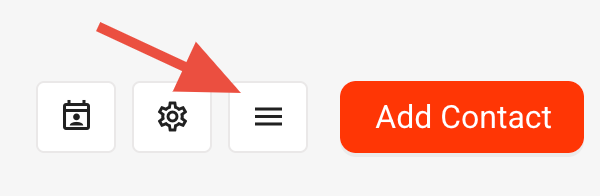
Click CCV button to display the list of available CCVs
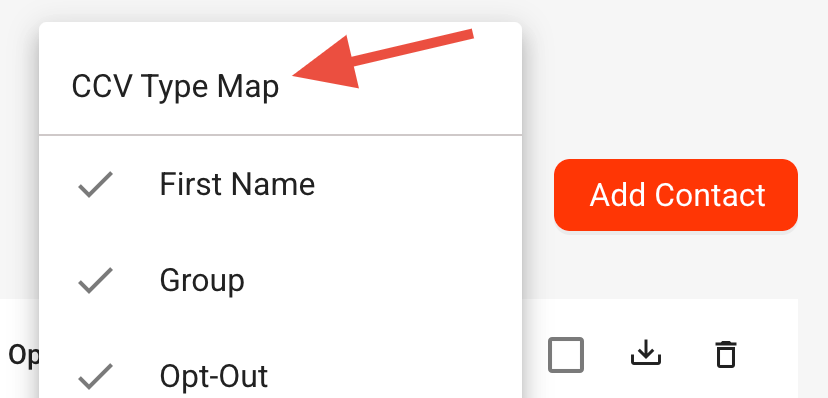
Next click the CCV Type Map
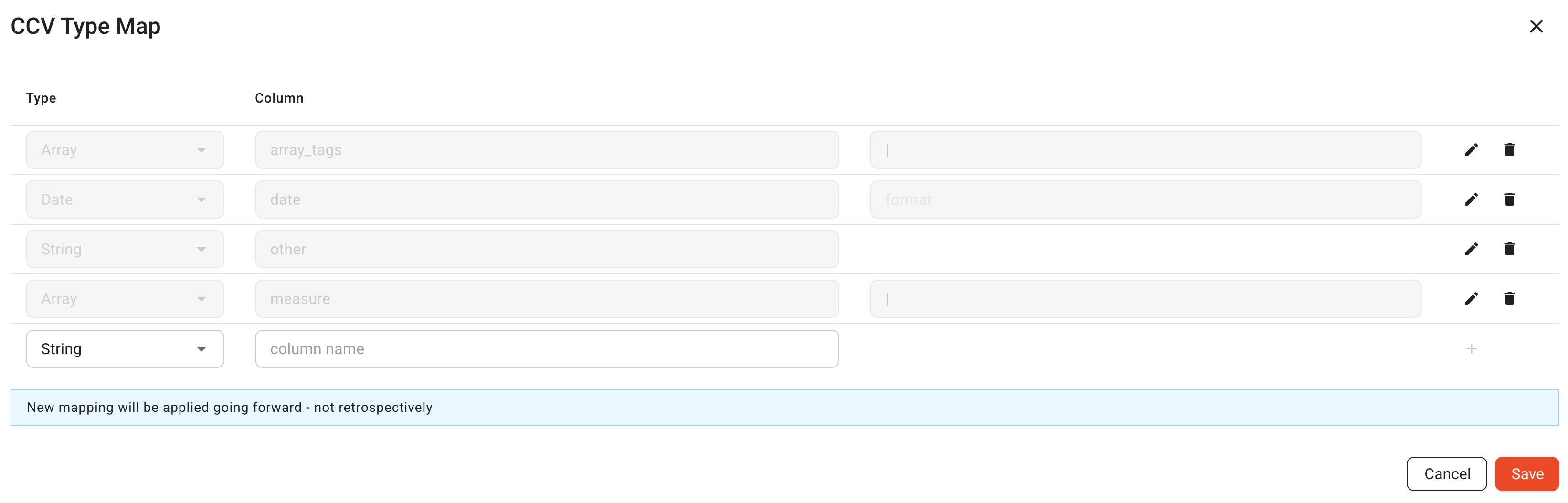
If some mapping is already set, they will be shown in the Table.
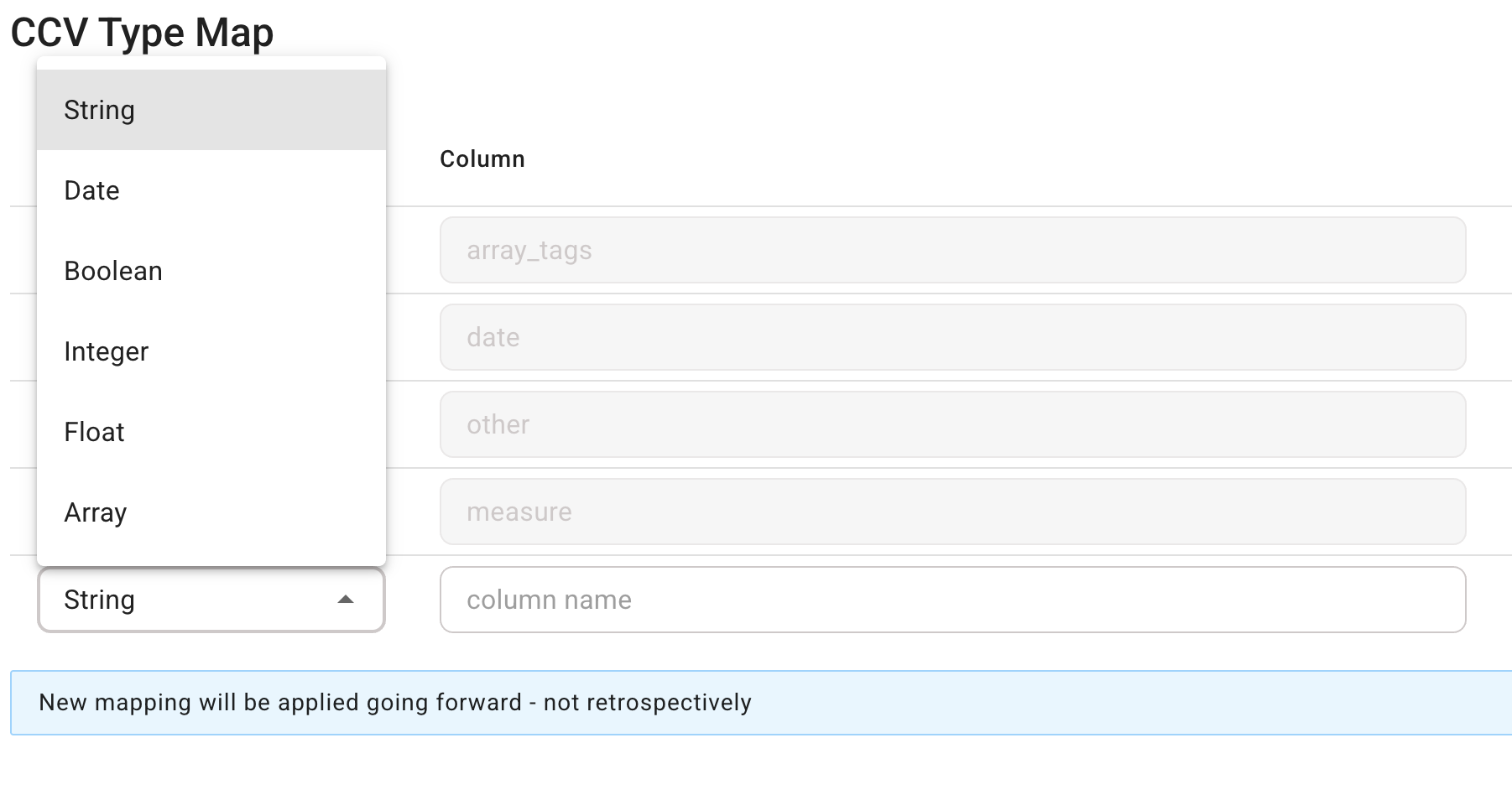
Available types you can map include
String, Data, Boolean ,Integer, Float and Array.
Set the type, next identify the column name in the CSV file you want to give the type to and press +
Make sure to click Save to Save changes.
In the case of Array you identify the column name and then enter the separator used in the array.
Press + and remember to press Save to Save changes.
Was this article helpful?
That’s Great!
Thank you for your feedback
Sorry! We couldn't be helpful
Thank you for your feedback
Feedback sent
We appreciate your effort and will try to fix the article